KYC Now — Modular identity verification

The hard part: a web product that had to reach hardware the browser could not see.

(Scroll)
KYC Now Identity check
Passport · chip · face
Verified in ~1 min

Identity verification other apps plug in: a passport scan, a chip read and a face check — then a compliance officer reviews the case.

Role
Senior Product Designer
Built for
Apps under AML/KYC rules — in use inside WORPT
Status
Live · kycnow.com ↗
Worked with
A PO, a PM and the engineers
Scope
The only designer — the verification flow, the admin console and the product website.
onboarding time
−40%
completion rate
+25%
for the full KYC step, end to end
~1 min

Measured by the client, against their own numbers before KYC Now.
(Chapter 1 · Overview)

KYC Now is a modular identity verification platform built for products operating under AML/KYC regulatory requirements.

Where it started. A web view — functional, but it couldn’t reach the passport’s NFC chip.

The shift. Moving to an SDK let host apps use the device’s NFC directly. That decision became the foundation for everything I designed: mobile-first, built around what native integration makes possible.

(Chapter 2 · The design challenge)

Rather than treating this as “redesign the KYC flow,” I reframed the problem as a 3-layer trust architecture.

  1. Layer 1The person verifying
    Make verification feel fast and clear, even when the process underneath is complex.
  2. Layer 2The client’s app
    Make integration simple and flexible across different regulatory contexts.
  3. Layer 3The compliance team
    Make everything auditable, controllable and operationally visible.

Instead of one “better flow”, that meant one design language that signals trust on all three at once.

(Chapter 3 · Key decisions)

What I chose, and why.

  1. 1

    Rebrand as a trust signal, not just an aesthetic update

    One design language across the landing page, the verification flow and the admin console. Compliance teams trust what looks consistent.

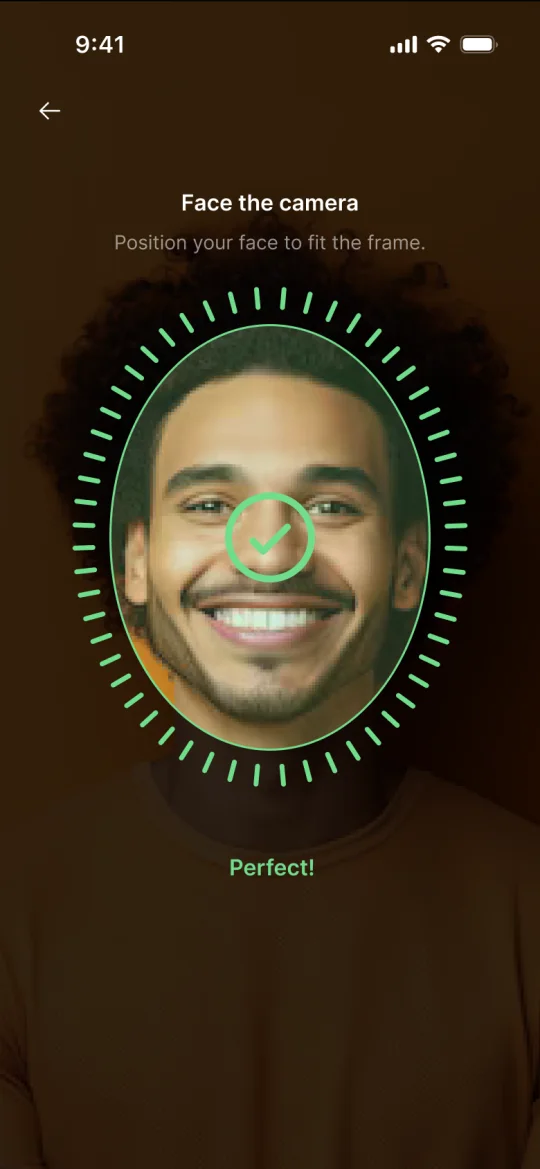
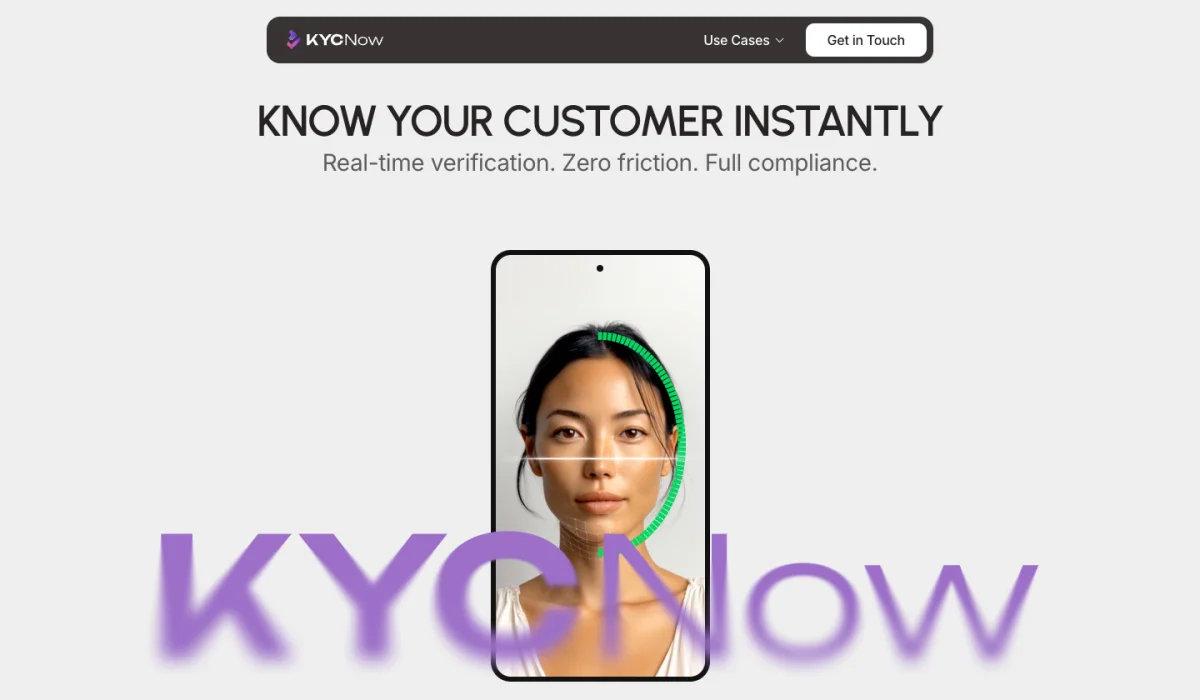
    • KYC Now website: Know your customer instantly, with a phone scanning a woman’s face for liveness
      Product website — for the teams choosing it
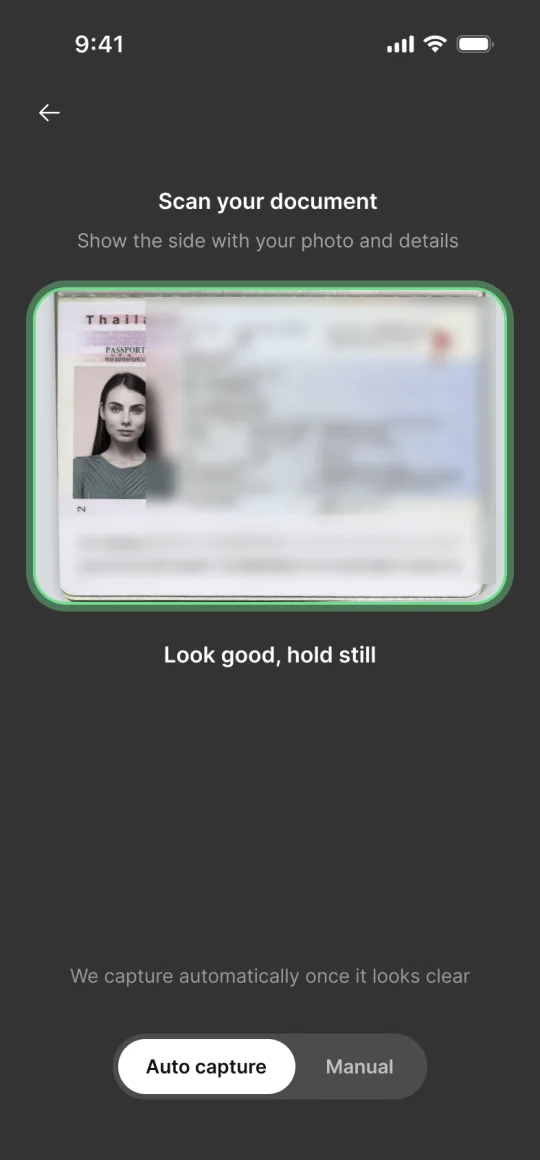
    • Verification flow: scanning a passport, with the frame turning green and Look good, hold still
      The flow — for the person verifying
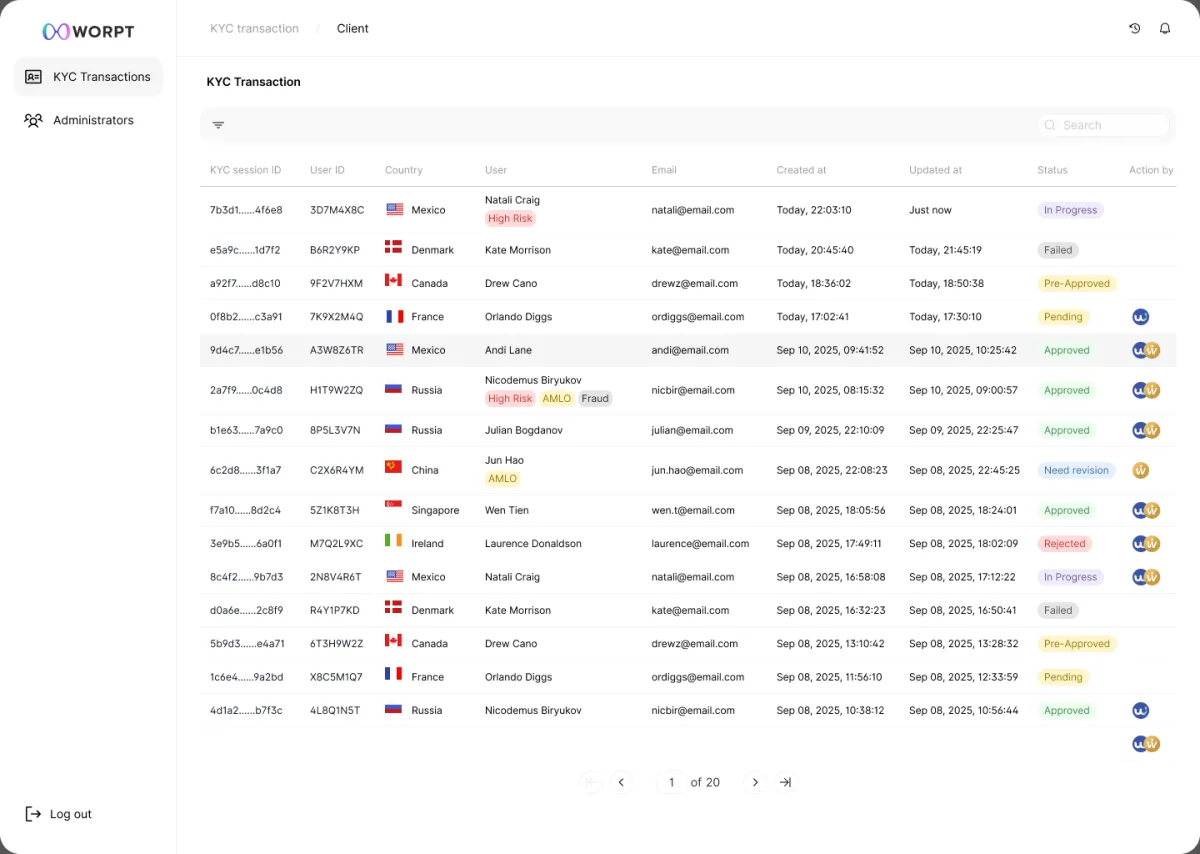
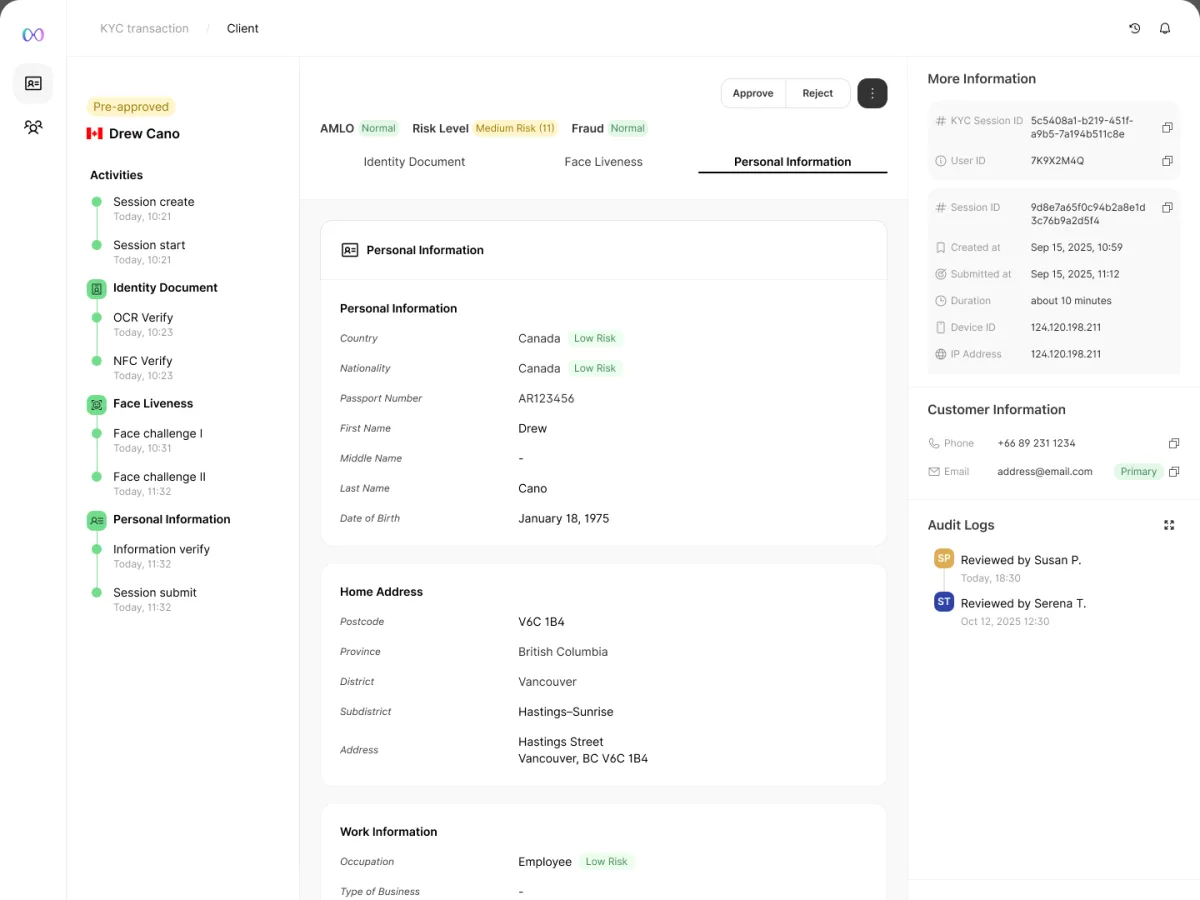
    • Admin console: a list of KYC sessions with country, status and risk tags
      Admin console — for compliance officers
  2. 2

    Reduce drop-off through flow architecture

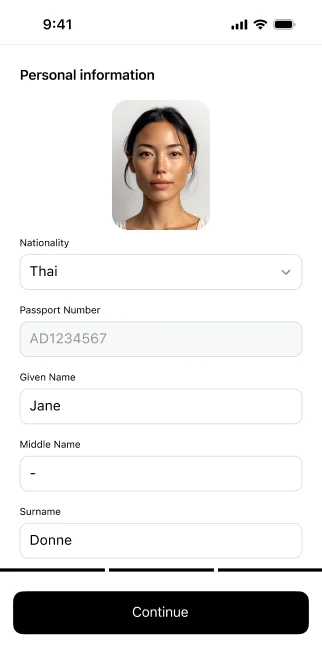
    Resumable, atomic steps: after an interruption, people continue exactly where they left off. With OCR and NFC back to back, and OCR pre-filling personal data, the whole step takes under a minute.

    1. 1
      Passport scan — OCRFills in personal data from the passport
    2. 2
      NFC chip readChecks the chip against the scan
    3. 3
      Face livenessCompares a live selfie to the passport photo
    4. 4
      Review detailsConfirm what was pre-filled
    5. 5
      Compliance screeningBackground checks, behind the scenes

  3. 3

    Design a dual-side verification experience

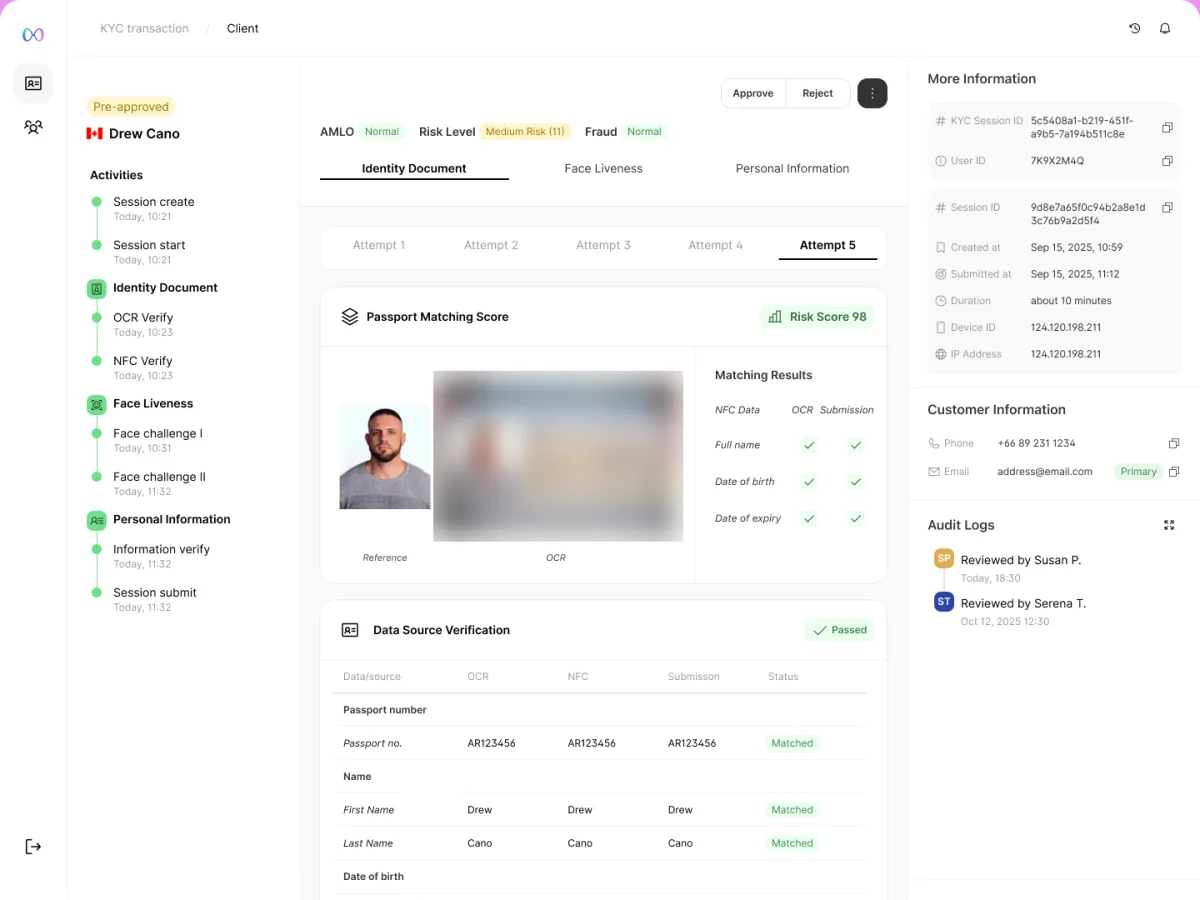
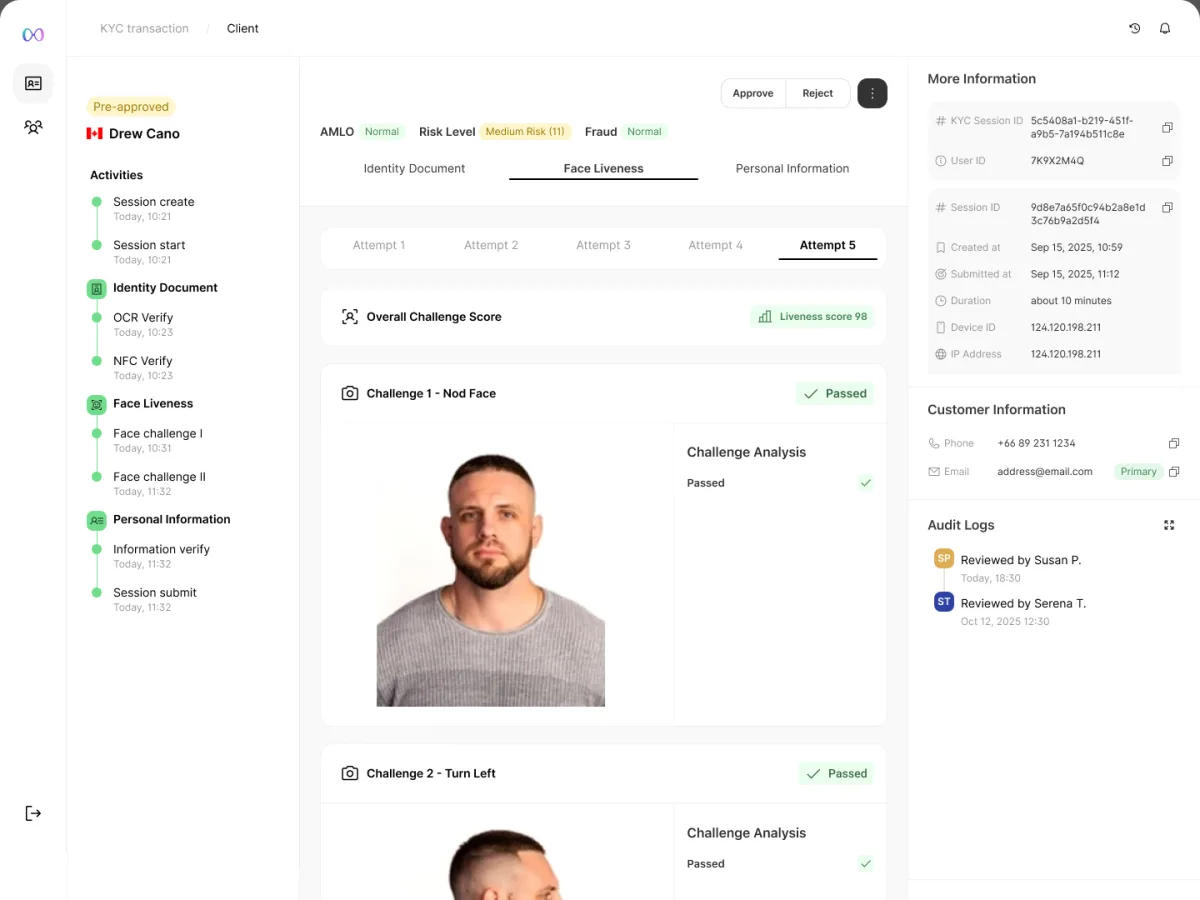
    The same verification, designed twice: guided and protective for the person on the phone, dense and traceable for the officer reviewing the case.

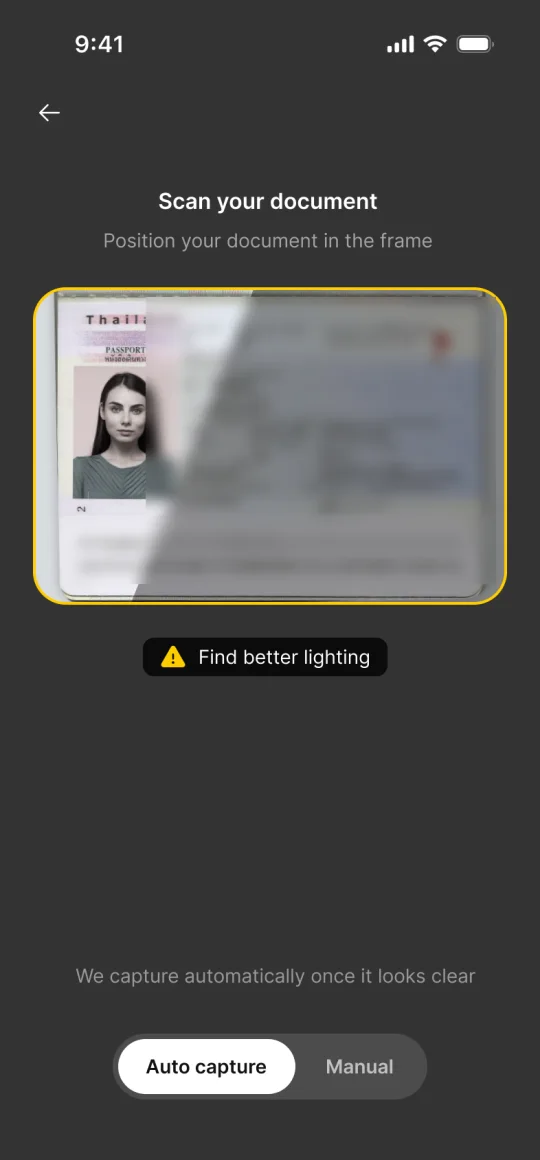
    The person verifyingPassport scan with guidance: Look good, hold still
    The officer reviewingConsole case review: session activity timeline, a passport matching score of 98, and OCR, NFC and submitted data compared field by field

    One action on the phone. On the console, the scan, the chip and what was submitted — side by side, matched field by field.

    Accessible by design. Every flow meets WCAG 2.1 AA — with extra care for contrast in error states, a common failure in fintech, and screen-reader labels on the document-scan and face-liveness cameras.

(Chapter 4 · What the data told us)

The flow wasn’t finished at launch. It got better because of what happened after.

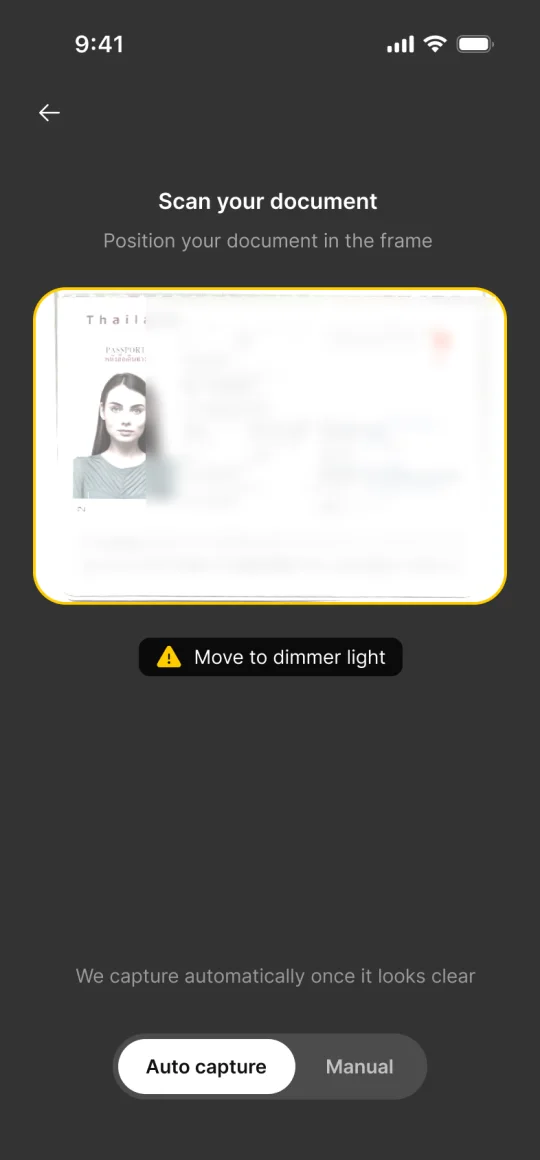
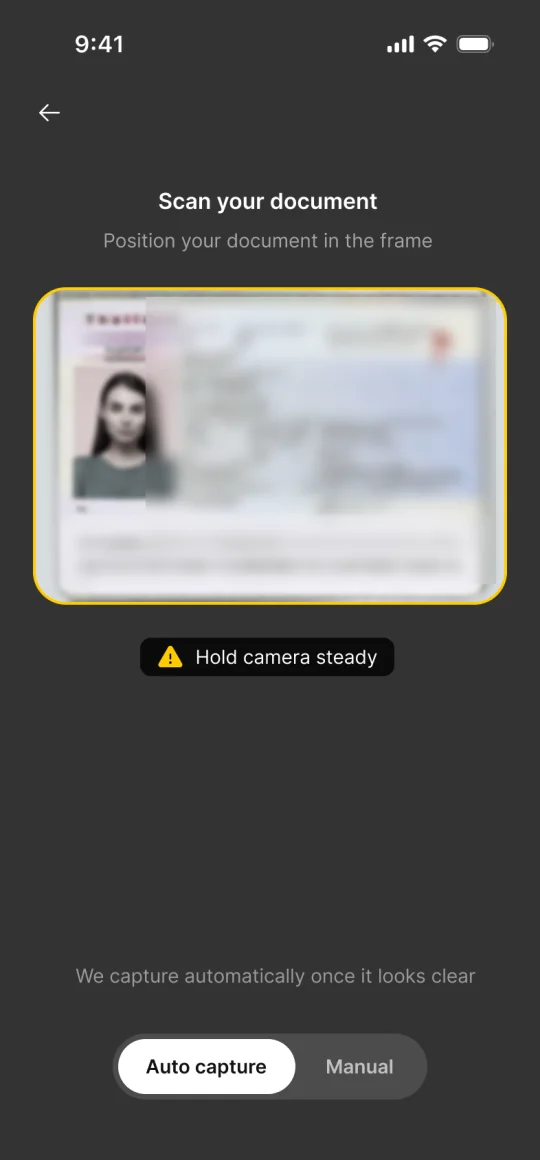
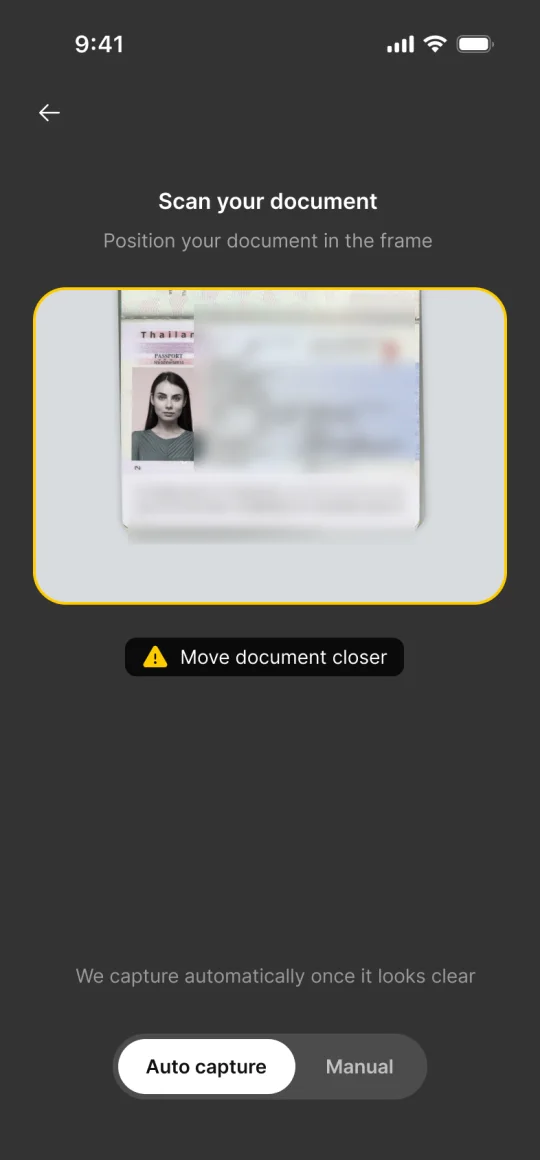
OCR failed more than expected, so I redesigned the capture guidance to coach people through light, angle and distance before they scan. Completion improved.

Mid-flow drop-off led to the resumable steps above. Each change came from a real signal, not an assumption.

Passport framed in green: Look good, hold still

Look good, hold still

It captures by itself

When the passport is clear, the frame turns green and the photo is taken automatically — no button to find.

(Chapter 5 · How we worked)

The interesting part of this one isn’t who was in the room. It’s what kept arriving from outside it.

Same team as the others — a PO, a PM, the engineers. I joined after the team had already seen the ceiling: a web view can’t reach the passport chip. The SDK wasn’t my idea; the 3-layer trust architecture came from asking what an SDK lets you promise that a web view never could.

Half the product is for people I never sat next to. Compliance officers never touch the mobile flow — they live in the console. I took that group as seriously as the one I could observe.

The loop ran through the clients. Signals came from real volume on someone else’s product, reported back to us — which is also why the numbers below are the client’s.

(Chapter 6 · Outcome)

Faster to finish, and more people finish.

Onboarding time

Before
100%
KYC Now
−40%

Completion rate

Before
baseline
KYC Now
+25%

Bars show the relative change only. The client measured both against their own onboarding before KYC Now — same product, same users — so the variable that changed was the verification flow. The one-minute figure is the full step as a user experiences it, passport scan to submitted details, possible because OCR pre-fills what they’d otherwise type.

(Next project) THIM